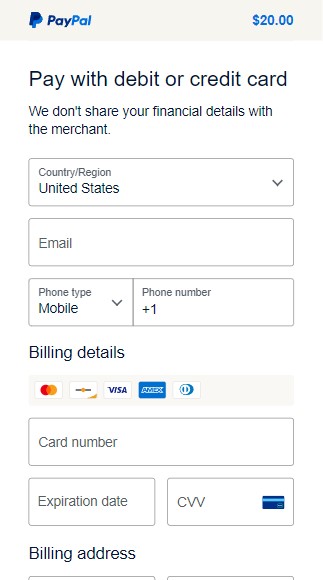
Step 1
Open GameTime Wallet App
Launch the GameTime Wallet app on your mobile device.

Step 2
Go to Payment Methods
Navigate to the Payment Methods section in your account settings.
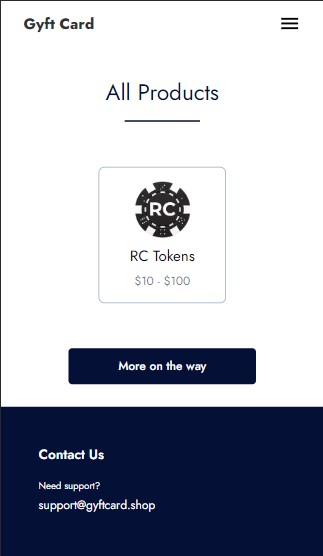
Step 3
Add New Card
Tap "Add New Card" and select your card type (Credit, Debit, or CashApp).
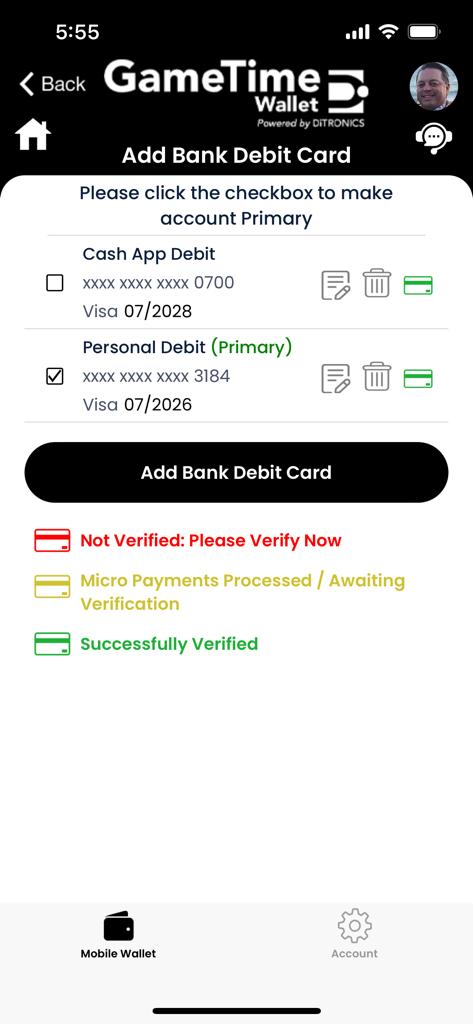
Step 4
Enter Card Details
Fill in your card number, expiry date, and CVV. All information is encrypted for your security.
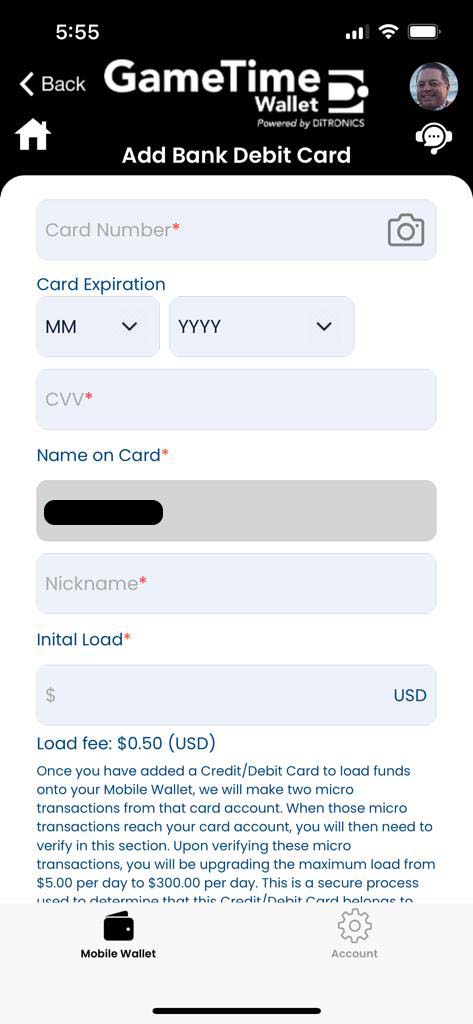
Step 5
Save & Verify
Save your card details. A small verification charge may be made to confirm your card is valid.