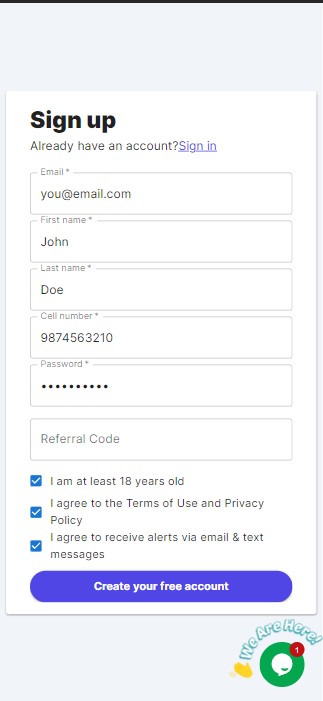
Go to the sign-up page and fill in your details.
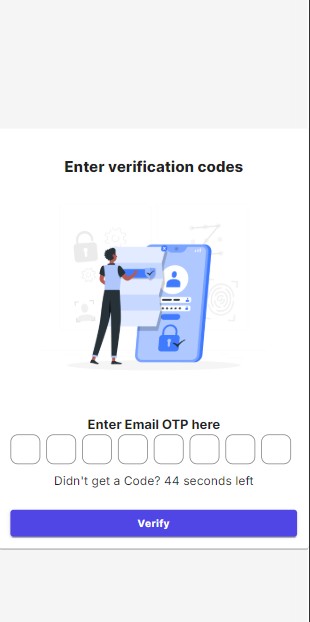
Verify your email address by clicking the confirmation link sent to your inbox.
Complete the KYC verification at Idenfy and you're done!
Sign in to your wallet account.
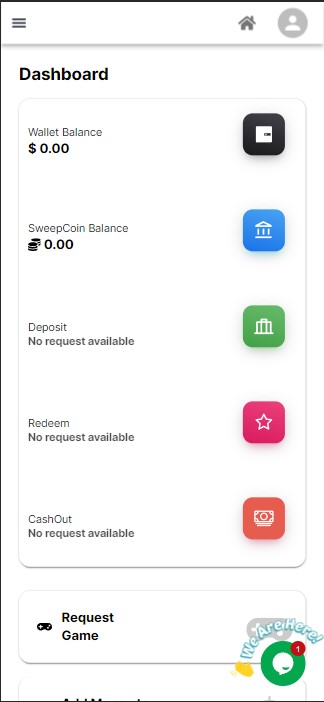
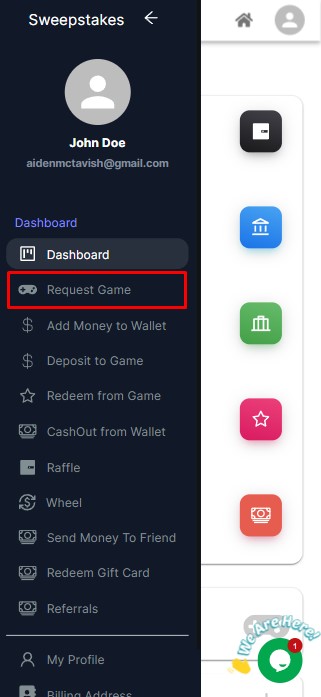
Go to the Request Game option in the menu.
Select the game you want to create an account for.
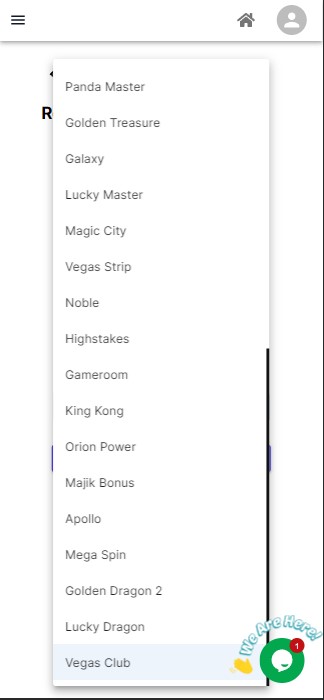
Click Submit. Once the account is created, you'll receive an email with your game ID and password.
Sign in to your wallet account.
Go to Add Money to Wallet in the menu.
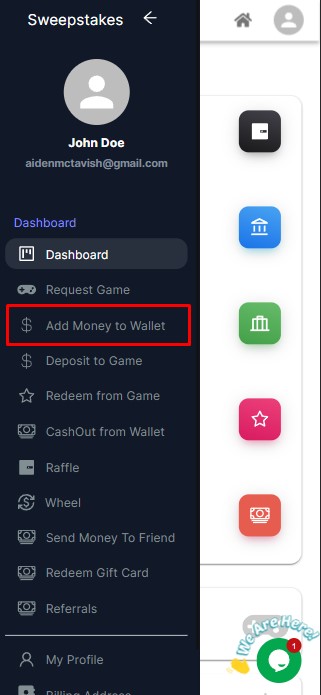
Enter the amount you want to add.
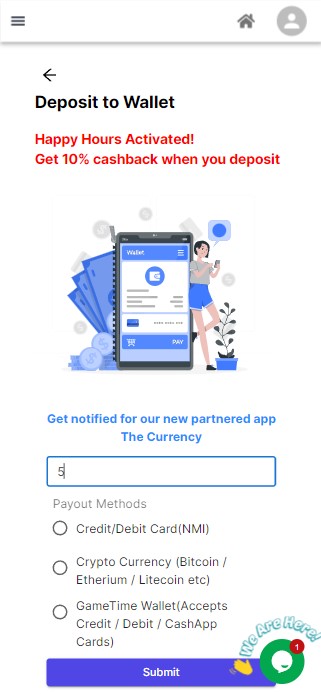
Choose your payment method: Credit/Debit Card, Crypto, or GameTime Wallet.
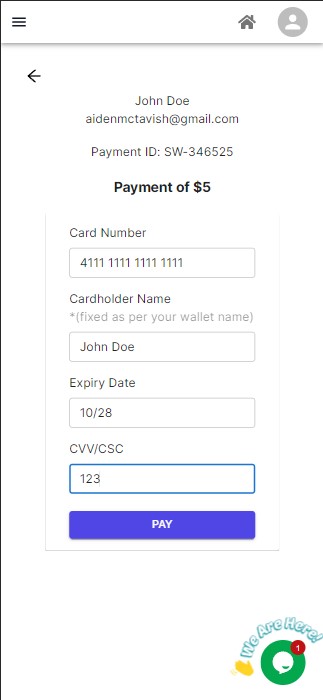
If paying by crypto, you'll be redirected to a payment link. Note that partial payments, under-payments, or over-payments will result in payment failure.
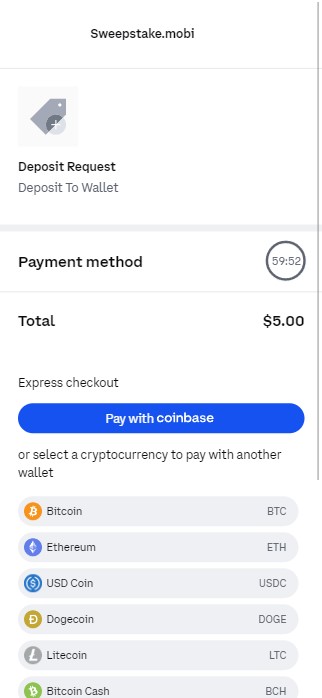
For GameTime Wallet, refer here. Complete your payment and your GoldCoins will be added to your account.
Sign in to your wallet account.
Go to Request Redeem in the menu.
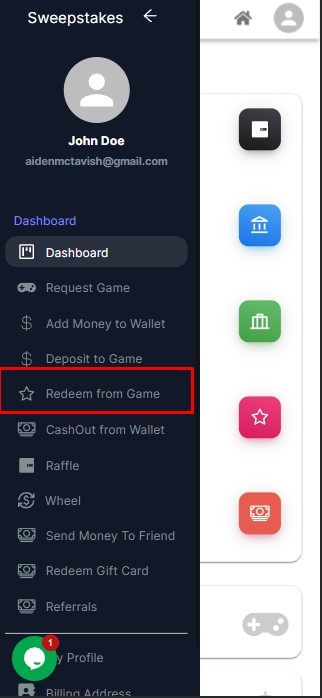
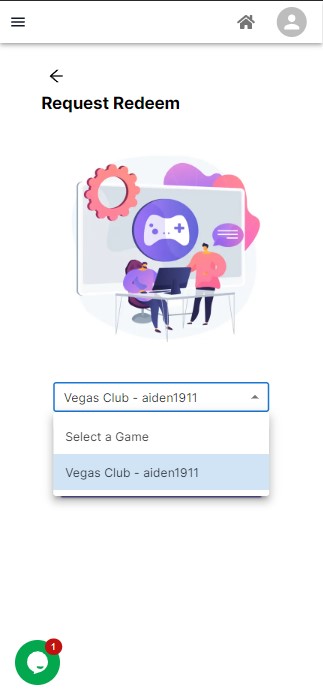
Select the game you want to redeem from (only your linked games).
Enter the amount you want to redeem.
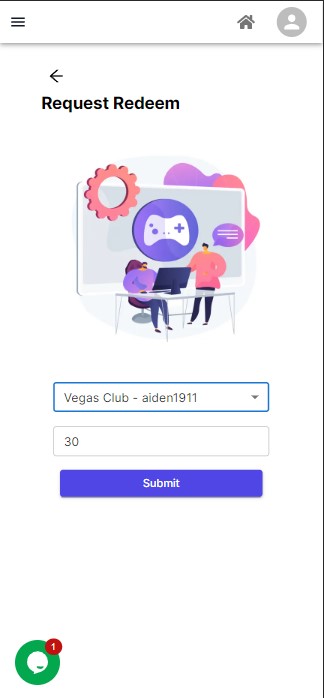
Click Submit. After processing, it will be added to your wallet balance.
Sign in to your wallet account.
Go to Cashout in the menu.
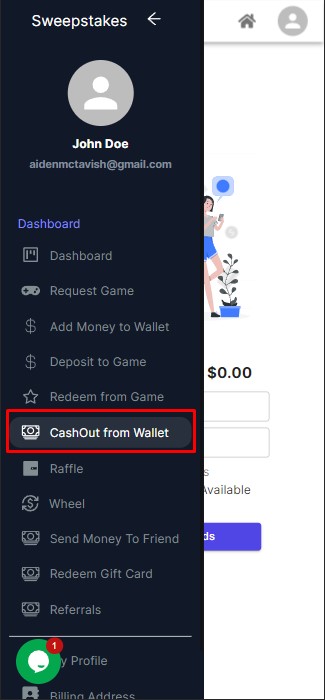
Enter the amount you want to cash out, then select your payout method.
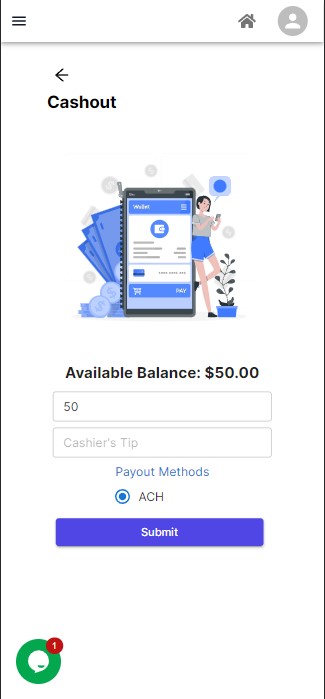
Click Submit. After processing, it will be sent to your chosen payout method.
Sign in to your wallet account.
Go to My Profile in the menu.
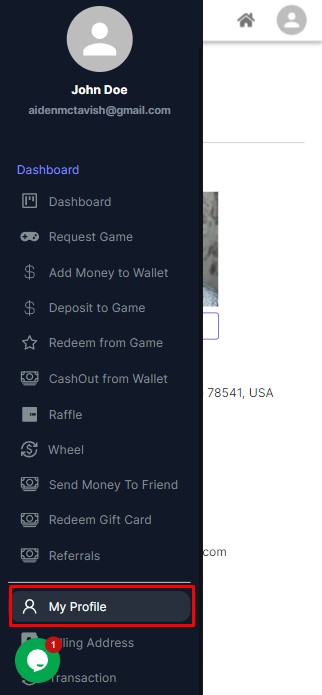
Select Change Password.
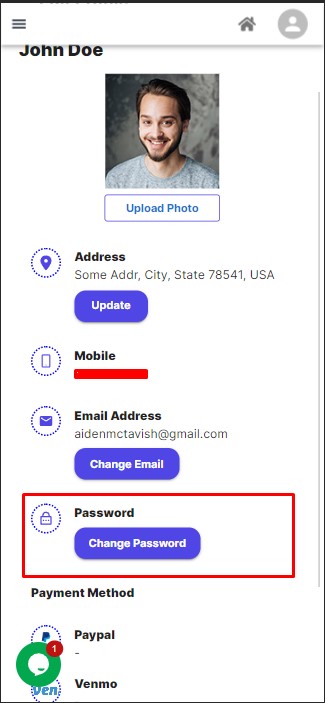
Enter your new password and click Reset.
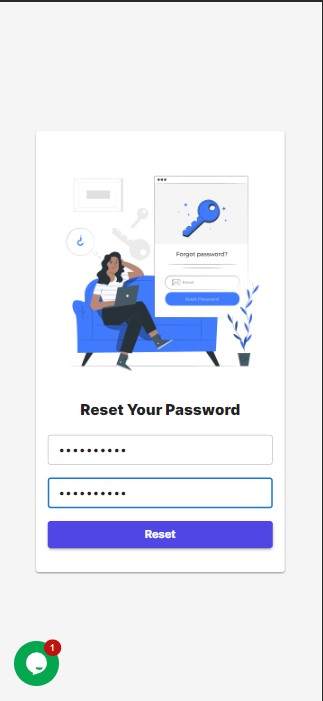
Done!
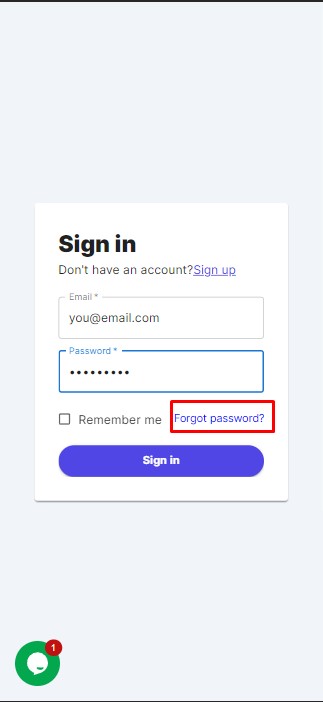
Go to the wallet sign-in page and click Forgot Password?
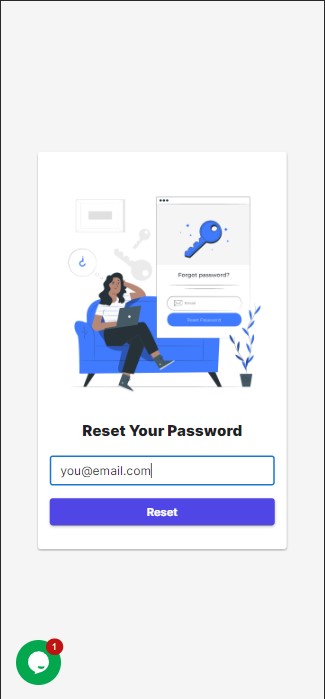
Enter the email used to create your wallet account and click Reset.
You'll receive an email with a verification code and a password reset link. Click the link.
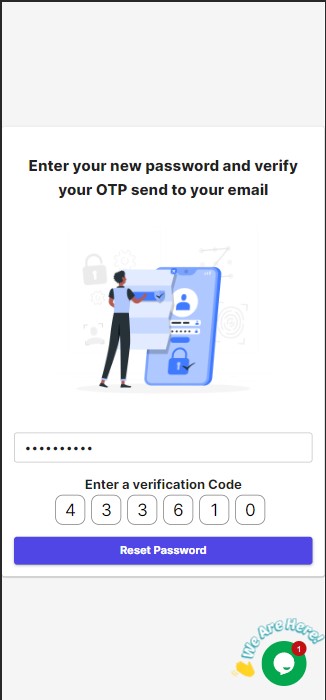
Enter your new password and the verification code, then click Reset Password.
Still have questions?
Our support team is here to help. Reach out and we'll get back to you quickly.
Contact Support